CloudWatch Logs Costs: How to Shrink an Observability Bill
Published by Rushikesh Dhule, LessBill · November 4, 2026 · Updated November 16, 2026
Most teams watch their EC2 and database lines closely. Far fewer watch the line that grows quietly behind them: logs, metrics and traces. Every request your app handles can write several log lines, and on AWS each of those lines is billed when it lands in CloudWatch, then billed again every month it sits there.
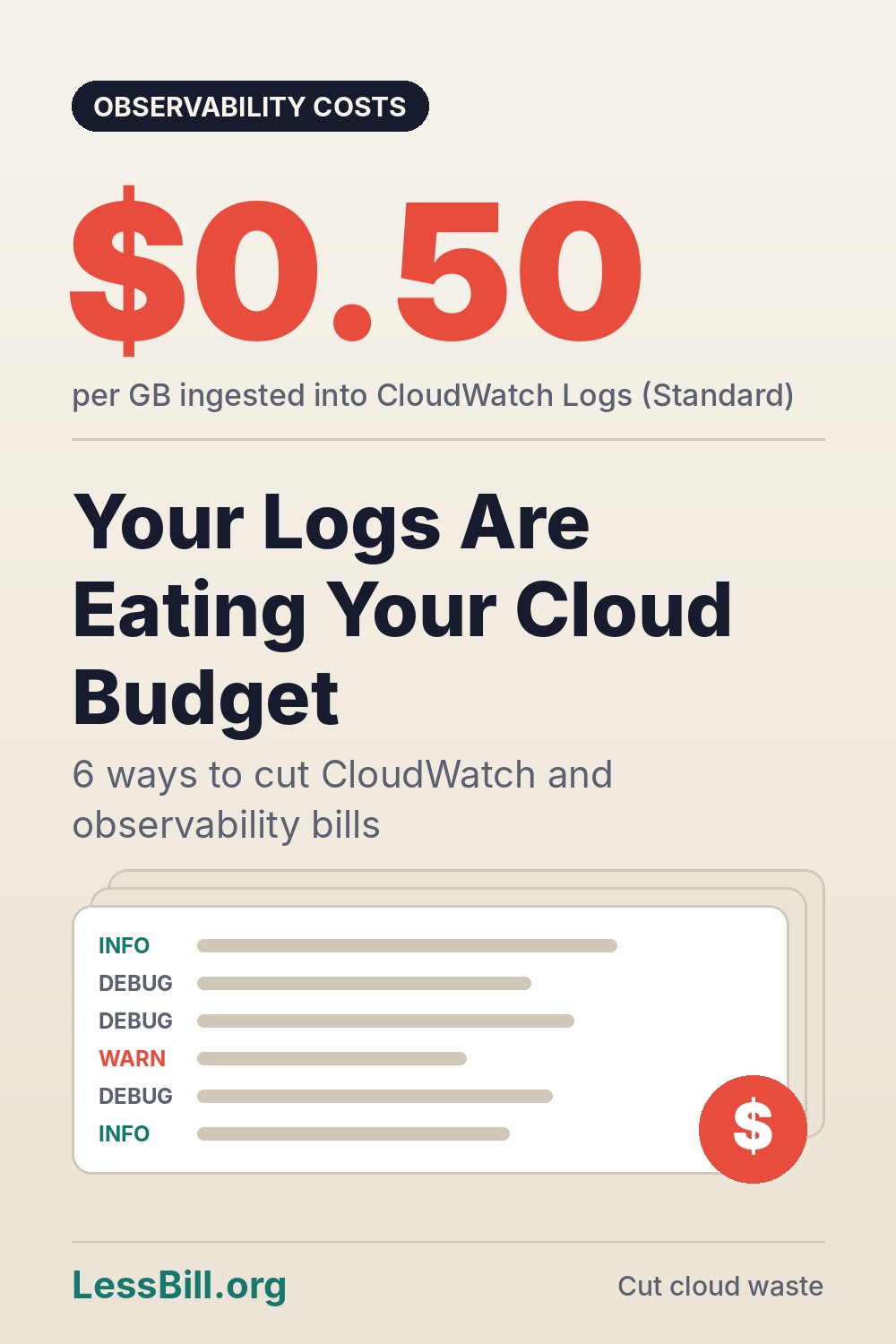
The money adds up fast. In US East, CloudWatch Logs charges $0.50 per GB ingested on the Standard log class, plus about $0.03 per GB per month to keep it. A service writing 20 GB of logs a day is already around $300 a month on ingestion alone, before anyone runs a single query.
Teams feel this. In Grafana Labs' 2026 Observability Survey of more than 1,300 practitioners, cost was the top factor when choosing observability tools for the third year in a row, cited by 65% of respondents. Half said they expect to spend even more next year.
Here are six practical ways to shrink the bill without going blind in production.
1. Stop keeping logs forever
New CloudWatch log groups default to never expire. That means debug output from a test you ran two years ago may still be costing you storage today. Nobody chose this. It is just the default.
Fix: Set a retention policy on every log group. 14 or 30 days is plenty for most app logs; 90 or 365 days for audit and security logs. If you need long-term history for compliance, export to S3 and move it to a cheap storage class instead of keeping it in CloudWatch.
2. Turn DEBUG off in production
Ingestion is where most of the money goes, and verbose logging is the biggest driver of ingestion. A single DEBUG or TRACE flag left on after an incident can double a service's log volume overnight.
Fix: Default production to INFO or WARN. Make the log level a config value you can raise for one service for one hour, not a code change. Drop health-check and load-balancer ping logs entirely, and sample high-volume success logs (for example, keep 1 in 10).
3. Move quiet logs to the Infrequent Access class
CloudWatch has an Infrequent Access log class that charges $0.25 per GB ingested, half the Standard rate. It is built for logs you keep "just in case" and search only when something breaks. In 2026 AWS added data protection masking and OpenSearch SQL and PPL queries to it, so it is far less limited than it was at launch.
Fix: List your top 10 log groups by ingested bytes. For any you do not alarm on or stream in real time (debug logs, EKS control-plane logs, batch job output), create new groups in the Infrequent Access class and point the writers there.
4. Send Lambda logs somewhere cheaper
Since May 2025, Lambda logs are billed with volume tiers, dropping from $0.50 per GB to as low as $0.05 per GB at very high volume. Lambda can also now send logs straight to S3 or Firehose. AWS's own example showed a 60 TB-a-month workload falling from about $30,000 to $12,500.
Fix: For chatty functions, switch the log destination to S3 and query it with Athena when needed. Use Lambda's built-in log level controls so functions only emit what you actually read.
5. Watch metric cardinality and Container Insights
Custom metrics are billed per unique combination of name and dimensions. Add a user ID or request ID as a dimension and one metric quietly becomes thousands. Container Insights also adds hundreds of bytes of metadata to each log line it collects, which inflates ingestion on busy clusters.
Fix: Never use high-cardinality values (user, request, session IDs) as metric dimensions; put them in logs instead. Enable Container Insights only on clusters where someone actually uses the dashboards.
6. Make queries scan less
CloudWatch Logs Insights charges about $0.005 per GB scanned. That sounds tiny until a dashboard auto-refreshes a 30-day query across every log group every minute.
Fix: Narrow queries to the log groups and time range you need. Lower dashboard refresh rates. Use metric filters and alarms for things you check constantly, rather than re-running the same query.
Worked example: a service writing 20 GB of logs a day
20 GB a day is 600 GB a month. Using the rates in AWS's CloudWatch pricing examples ($0.50 per GB ingested on Standard, $0.25 on Infrequent Access, $0.03 per GB-month stored):
| Setup | Ingestion | Monthly cost |
|---|---|---|
| Everything on Standard | 600 GB x $0.50 | $300 |
| Half moved to Infrequent Access | 300 x $0.50 + 300 x $0.25 | $225 |
| Also drop 40% of volume (DEBUG off) | 180 x $0.50 + 180 x $0.25 | $135 |
Storage is small if you expire logs: 600 GB kept for 30 days is at most 600 x $0.03 = $18 a month. It is only a problem when retention is "never", because the stored amount then grows every month.
Find log groups with no retention set, then fix one:
aws logs describe-log-groups --query "logGroups[?!not_null(retentionInDays)].logGroupName" --output table

aws logs put-retention-policy --log-group-name /aws/lambda/my-function --retention-in-days 30
When Infrequent Access is the wrong choice: it supports fewer features than Standard, so check the log class comparison before moving logs you alert on or stream elsewhere. Use it for logs you only read when something breaks.
Related guides: AWS Lambda Costs Explained: Where the Bill Really Comes From and Why Your Cloud and AI Bills Keep Surprising You (And How to Stop It in 2026).
The bottom line
Observability is not optional, but paying to store every DEBUG line forever is. Most teams can cut log spend sharply by doing three boring things: set retention everywhere, lower production log levels, and move rarely-read logs to cheaper classes or S3. Start with your ten largest log groups; that is usually where most of the bill hides.
How LessBill can help
LessBill.org watches your AWS, GCP and Azure bills in one place and flags fast-growing cost lines like log ingestion before they show up as a month-end surprise. Connect your accounts and see which log groups, metrics and services are driving your spend.
Sources and further reading
Also drawn on: Grafana Labs 2026 Observability Survey; AWS What's New (CloudWatch Logs Infrequent Access, March 2026); AWS Compute Blog (Lambda tiered pricing for CloudWatch Logs); AWS re:Post (Understanding CloudWatch costs).


Comments
Post a Comment